
A rating drop alert for service businesses is a notification that tells you when a competitor's Google star rating starts to slip. For a plumber, roofer or HVAC company, that alert is an early sign that customers are unhappy, and the reviews behind it show exactly why.
Quick answer: Treat the alert as a prompt to read, not a score to celebrate. Open the new 1 to 3 star reviews, name the repeated complaint, check your own reviews for the same problem, then write copy you can honestly win on.

A rating drop alert for service businesses lands on the phone, ready to read between jobs.
What Is a Rating Drop Alert for Service Businesses?
It is an automatic flag that a monitored business lost ground in its Google rating. In most local markets, every serious competitor sits between 4.8 and 5.0 stars. Therefore, a small move can mean something real.
However, the number is only the doorway. A star rating is an average, and averages hide things. A competitor with a 4.9 and 1,500 reviews still has dozens of unhappy customers who wrote down why they left.
Why a Small Drop Can Signal a Big Opening
Customers rarely leave a bad review over nothing. They leave one over a specific failure. For example, an illustrative HVAC company might see three reviews in one week saying, "Tech never called before arriving."
That is a pattern, not a fluke. In addition, it describes the exact frustration the next customer in that market is trying to avoid. Almost nobody is reading those reviews, so the opening stays unused.
Rating Drop vs. Complaint Surge
The two are related but different. A drop changes the average. A surge is a cluster of unhappy reviews in a short window. Consequently, a surge can show up before the average moves at all.
What Should a Good Competitor Alert Track?
A useful alert goes beyond the star count. Specifically, it should cover these signals:
- A drop in the overall rating over a set period.
- A burst of 1 to 3 star reviews in a short window.
- A new weakness theme, such as surprise charges or missed arrival windows.
- Verbatim quotes, so you see the customer's own words.
This is what the watch list does inside WeakSpot. You can see how monitoring works on the review monitoring page, and a deeper walkthrough sits in this guide to competitor Google reviews monitoring for home services.
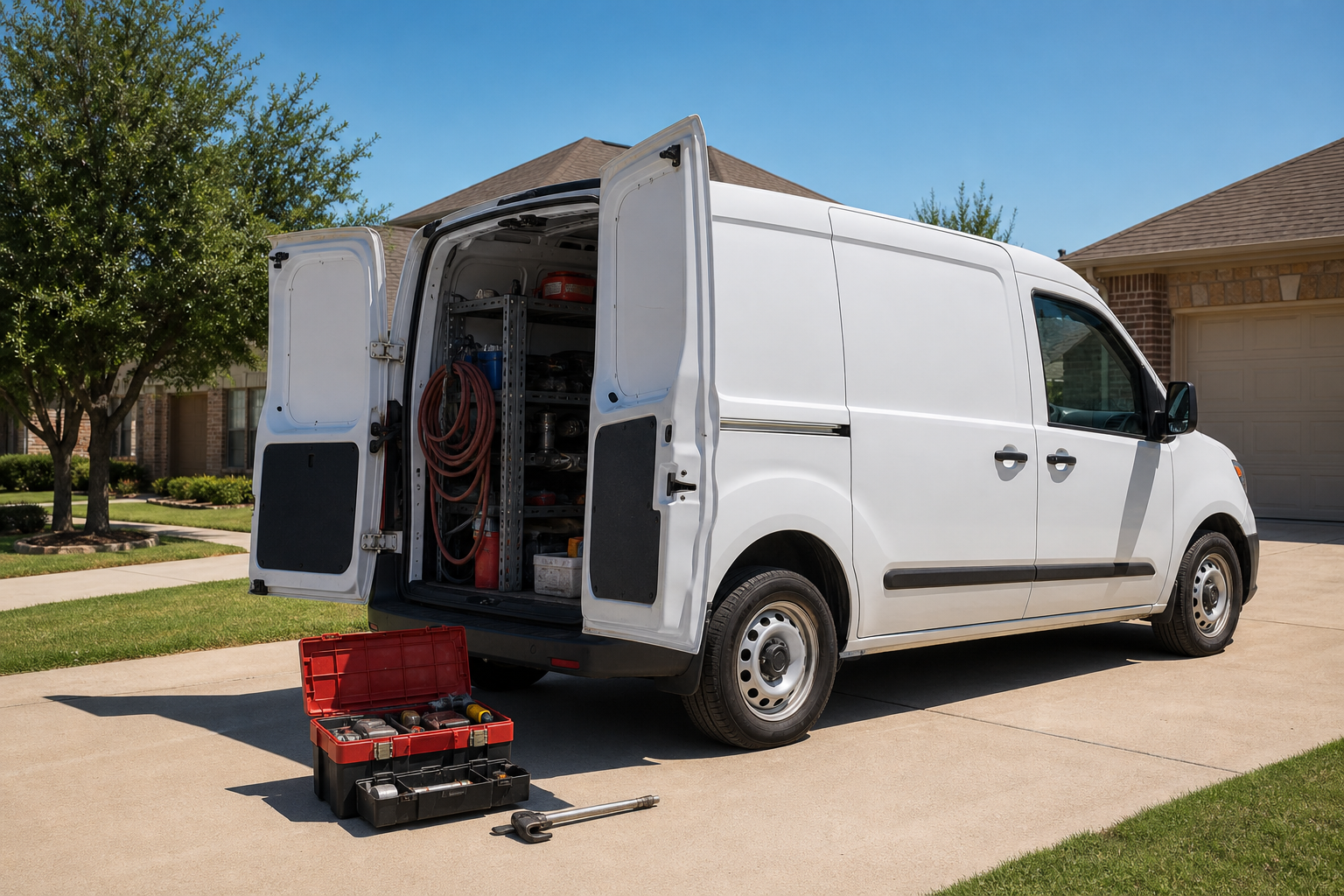
Every service call becomes a public review that competitors and customers can read.
How to Act on a Competitor Rating Drop
Follow these steps each time an alert arrives:
- Read the new 1 to 3 star reviews in full and note each complaint in the customer's words.
- Name the weakness theme and count how many reviews repeat it.
- Search your own low reviews for the same theme.
- Write copy that promises the opposite of the complaint, without naming anyone.
- Run it in your own accounts, then check next month's alert.
Check Yourself First: Backfire Protection
Step three is the one most owners skip. Suppose a competitor's reviews say, "Waited all day. Nobody called." A "we show up on time" campaign sounds perfect. But if your own reviews carry the same complaint, you invite a comparison you would lose.
WeakSpot calls this backfire protection. We run your reviews through the same analysis before any angle reaches you. As a result, you only run messages you can actually win on. The free self-analysis is the easiest place to start.
Turning an Alert Into Copy, Not a Chart
An alert by itself is just a notice. The useful part is what you publish next. WeakSpot hands you finished copy: Google Ads headlines checked against the 30 and 90 character limits, Meta ad copy within 40, 125 and 25 characters, Google Business Profile posts, SEO briefs and email hooks.
We do the thinking; you keep the keys. We're the intelligence, not the ad agency. You or your agency place everything in your own accounts. Campaign copy never names a competitor. Because advertising rules on comparisons vary, check local rules and platform policies before you publish. Home-service owners can see more on the home services page.
No tool can promise rankings, leads or revenue. What an alert can do is point you at a real, documented customer frustration. For background on how Google displays reviews and ratings, see Google Maps on Wikipedia and the Google Business Profile site.
Common Mistakes With Rating Alerts
- Reacting to the number instead of reading the reviews.
- Running a claim your own reviews contradict.
- Watching too many competitors and acting on none.
- Naming a competitor in copy, which invites trouble and distracts from your own strengths.
Frequently Asked Questions
What is a rating drop alert for service businesses?
It is a notification that a monitored business's Google star rating has fallen. For service businesses, it usually tracks competitors so you can see when customers are becoming unhappy.
Why does a small rating drop matter?
Most local competitors sit between 4.8 and 5.0 stars, so even a small move can signal a new complaint pattern. The reviews behind the drop tell you more than the number.
How often should I check competitor ratings?
Alerts remove the need to check by hand. Manual checks once a week are a reasonable fallback, but they miss quick surges.
Is a rating drop the same as a complaint surge?
No. A rating drop is a change in the average. A complaint surge is a cluster of unhappy reviews in a short window, and it can appear before the average moves.
How many competitors should I monitor?
Pick the few that win your jobs in your service area. WeakSpot monitors up to five competitors you choose.
Can I name a competitor in my ads?
Rules on comparative advertising vary, so check local rules and platform policies. WeakSpot campaign copy never names a competitor.
What is backfire protection?
It is a check that runs your own reviews through the same analysis before an angle reaches you. If your customers share the complaint, the angle is flagged.
Does WeakSpot run my ads?
No. WeakSpot delivers copy, and you or your agency run the ads in your own accounts.
Which review data does an alert use?
Only public Google review data. Nothing private is accessed.
What is the most common mistake with rating alerts?
Reacting to the number instead of the reviews. Another is running a claim your own reviews contradict.
Which WeakSpot plan includes alerts?
Watch list alerts are included in the plans, starting with Weak Spot Intel at $149 per month for two competitors.
How do I start?
Request the free self-analysis. Submit your business name, a website or Google Maps link, and an email. Results arrive within two business days, with no call required.
Conclusion
A rating drop alert for service businesses is only as good as what you do with it. Read the reviews, name the weakness theme, check your own record, and publish copy you can honestly win on. Find what's under their stars. To see where your own reviews stand first, request your free self-analysis at WeakSpot, or explore the full service.