
A strong Google Business Profile post names one specific thing a customer cares about and then gets out of the way. Most posts from contractors are vague filler like "quality work at fair prices," and nobody reads them. That one difference often separates a profile that gets calls from one that just sits there looking tidy.
Direct answer: A good Google Business Profile post for a home service business is short, specific, and backed by a real photo and a call-to-action button. It names one concrete detail, such as a flat fee, an arrival window or same-day availability. Then it links straight to a call or booking action.
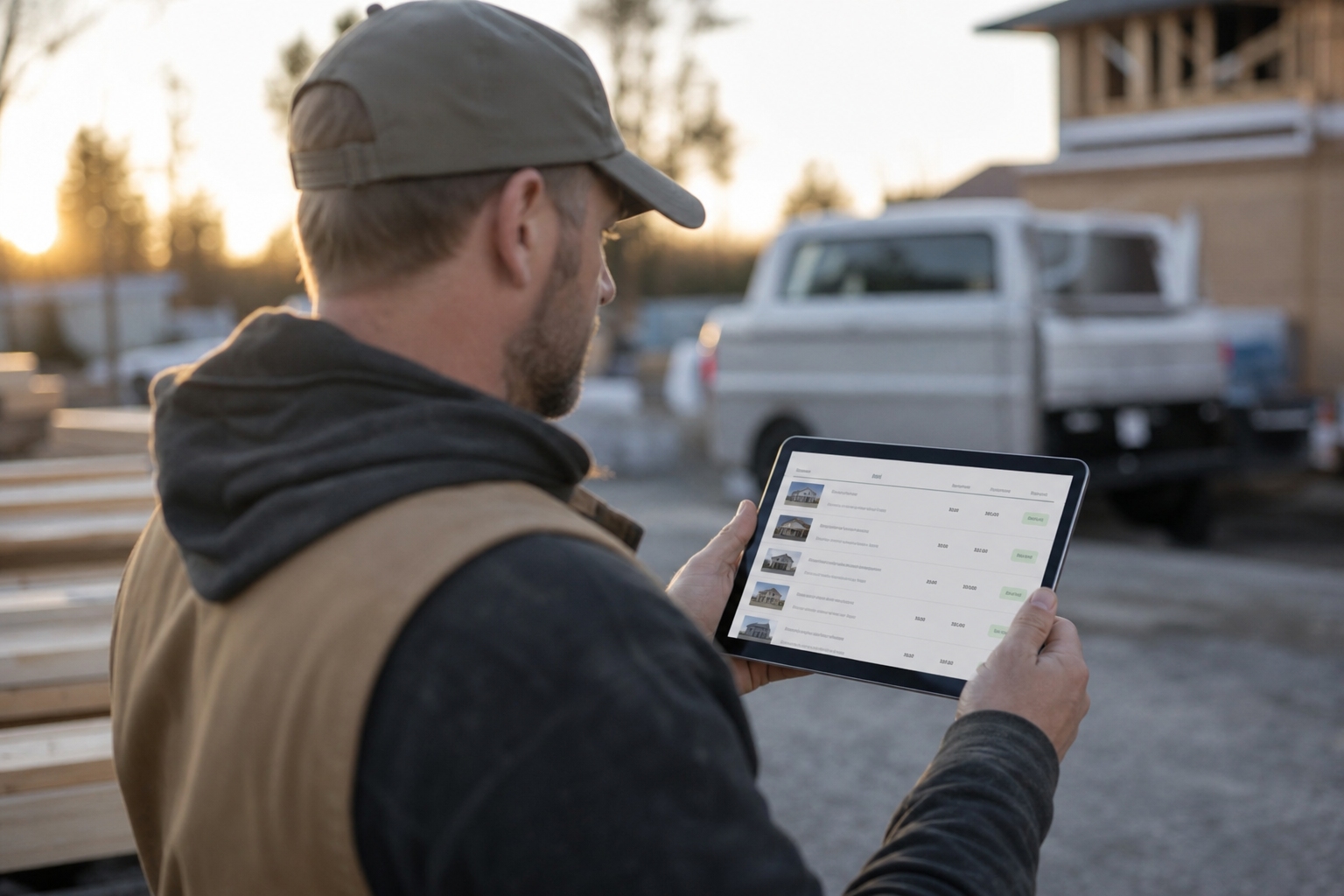
A contractor checks real Google Business Profile post examples for contractors before writing his next update.
What Is a Google Business Profile Post?
A Google Business Profile post is a short, free update that appears on your business listing. It shows in the same panel that appears in Maps and in Google Search. In other words, it is a small ad space you control, and you do not need a website edit to use it.
Contractors use posts to share offers, new services, finished jobs and seasonal reminders. According to Google's own Business Profile help documentation, a post can include a photo, up to 1,500 characters of text and a call-to-action button. However, only the first sentence or two shows before a reader has to tap to expand. As a result, your opening line carries most of the weight.
Where People See Your Posts
Posts appear on your Business Profile in Google Search and Google Maps. A homeowner sees them when they search your company name. They can also see them when they open your listing from a local results pack. Therefore, the post is often read right before the person decides whether to call.
Why Every Google Business Profile Post Matters for Home Services
In almost every local market, serious competitors sit between 4.8 and 5.0 stars. On the surface, nothing separates them. So homeowners scan whatever recent signals they can find, and a dead or generic post history is one of them. Because of this, the content of each post matters far more than simply having one.
Specificity is what moves people to act. A roofer posting "We offer free estimates" blends into every other profile. A roofer posting "Free storm damage inspections, same-day photo report emailed to you" answers a question the shopper was already asking. For more on turning that kind of specificity into paid search copy, see this breakdown of Google Ads copy for roofers.
Benefits of Posting Regularly
- Fresher listing: Recent posts show the business is open and active.
- Answers objections early: You can address price, timing and trust before the call.
- Useful in zero-click searches: Many people read your listing and call without ever visiting your website.
- Free to publish: The only cost is the time it takes to write and upload.
- Reusable copy: A strong post headline can become a strong ad headline, and the other way around.
Four Types of Google Business Profile Posts, With Examples
Google offers a few post formats. Each one fits a different moment in a contractor's week. Mixing them keeps your profile from looking like one repeated ad. All examples below are illustrative, so swap in your own real details.
| Post type | Best used for | How long it shows |
|---|---|---|
| Update (What's New) | General news, finished jobs, reminders | Shown most prominently for a short window, so check your dashboard |
| Offer | Discounts, coupon codes, seasonal specials | Until the end date you set |
| Event | Open houses, limited-time promotions | Until the event ends |
| Product/Service | Highlighting one specific service line | Stays until removed |
Update Post Examples for Plumbers and HVAC Companies
"Flat $89 diagnostic fee, every visit, no surprise add-ons. Book a same-week slot." A plumber or HVAC tech can use this format to answer the fear behind many negative reviews: unclear pricing after the job starts.
Here is a second example for an HVAC company heading into fall: "Furnace tune-ups booked this week include a free filter swap. Techs show up in a 2-hour window, not an all-day guess."
Offer Post Examples for Roofers
"Free storm damage inspection through November, with a same-day photo report sent to your email." This works because it removes two objections at once: the cost of the inspection and the wait for a written estimate.
Product Post Examples for Electricians
"Panel upgrades, start to finish in one day. Licensed electrician, permit handled for you." Electricians can also pair product posts with seasonal timing, such as EV charger installs in spring. For more ideas built around specific customer pain points, this guide on electrician marketing ideas walks through additional angles.
Event Post Examples for General Contractors
"Kitchen remodel open house, Saturday 10 to 2. See finished cabinetry and countertops, and ask about current lead times in person." Event posts help turn curiosity into a scheduled consultation instead of a cold call.
Reading competitor reviews closely turns up the specific details that make a Google Business Profile post land.
More Post Ideas by Trade
Not sure what to post this week? These ideas fit the most common home service trades. For a longer list, see these Google Business Profile posts ideas for home pros.
- Plumbing: a before-and-after water heater swap, or a winter pipe-freeze reminder.
- Roofing: a finished roof photo with the city and the material used.
- HVAC: a pre-season tune-up reminder with your booking window.
- Electrical: a panel upgrade or EV charger install with the permit handled.
- Residential services: a team photo, a seasonal checklist or a new service area.
How to Write a Google Business Profile Post That Converts
Writing a post that earns a call follows a short, repeatable process. The steps below work for a quick update or a seasonal offer.
- Pick the right post type for your goal. Choose Update for general news, Offer for a discount with an end date, Event for a limited-time promotion, or Product for one specific service listing.
- Lead with the specific detail customers search for. Open with a concrete fact, such as a flat fee or a guaranteed arrival window, instead of a vague quality claim.
- Add a photo that proves the claim. A real photo of a finished job or a technician at work earns more attention than text alone.
- Include a clear call-to-action button. Confirm the Call Now, Book Online or Learn More link routes to the right number or page.
- Tag your link so you can measure it. Add UTM parameters to the button URL so your website analytics can show which posts send visitors.
- Publish consistently and track results. Post once or twice a week and note which messages line up with more calls in the profile's own insights.
Google Business Profile Post Image Size and Length
Google's guidance is to use a clear photo, ideally around 1200 by 900 pixels in a 4:3 shape. Keep it sharp, and avoid heavy text overlays that get cropped. On the text side, aim for roughly 150 to 300 characters in the visible preview. The field allows up to 1,500, but readers rarely tap "read more."
Skip the Hashtags and Keyword Stuffing
Hashtags do nothing on a Business Profile, because people cannot search across profiles by tag. Likewise, stuffing city names into every line reads as spam. Instead, write the way you would talk to a neighbor and mention your city once when it fits.
Turning Competitor Weaknesses Into Post Ideas
A competitor sitting at 4.9 stars with 1,500 reviews can still carry thirty to fifty one- and two-star reviews. They often describe the same frustrations: a price that changed on arrival, a missed appointment window, a callback that never came. Those complaints are public and specific. They are also written in the next customer's own words.
That pattern is raw material for sharper posts. Instead of guessing at a generic selling point, you can post directly against a documented gap, such as "We call 30 minutes before arrival, every time." WeakSpot reads every one of a competitor's reviews, clusters the complaints into named weakness themes and scores each one for how exploitable it is. We hand you copy, not a chart. For a deeper look, see how competitive review analysis works for home services, this guide to review monitoring for contractors, and this piece on monitoring competitor Google reviews. If you want to place your own message against the market, read about positioning against competitors using Google reviews.
Backfire Protection: Check Your Own Reviews First
One step matters before any angle goes live: check your own reviews for the same complaint. If your reviews also mention late arrivals, a "we show up on time" post invites a comparison you would lose. WeakSpot calls this backfire protection. It runs every angle through your own review history first, so each post you publish is one you can win on. Visit weakspot.io to see how the free self-analysis works before choosing a plan. We do the thinking; you keep the keys.
A quick note on comparative claims: keep your posts factual and general, and never name another company. Rules on comparative advertising vary by location, so check your local rules.
GBP Posts vs. Paid Ads: When to Use Each
Posts are free fixtures on your profile, while paid channels like Google Ads or Local Services Ads cost per click or per lead. Many contractors reuse a strong ad headline as a post. They then test fresh variations in their paid campaigns, which the business or its agency runs. For a side-by-side look, this comparison of Local Services Ads versus Google Ads shows when each one fits. For other no-cost channels, see these free advertising sites for local businesses.
How to Measure What Your Posts Do
Posting without measuring is guessing. Fortunately, you have two simple sources of data. The first is the performance view inside your Google Business Profile account. The second is your website analytics, which can show visits that came from tagged post links.
Metrics Worth Watching
- Calls and direction requests: the actions that matter most to a service business.
- Button clicks: shows whether your call-to-action wording works.
- Tagged website visits: shows which post topics send people to your site.
Compare posts by topic, not by day. For example, check whether price-clarity posts outperform seasonal reminders over a month. Results vary by market, so treat every number as a clue and not a promise.
Common Mistakes to Avoid With GBP Posts
Three mistakes show up again and again on contractor profiles. First, posts stay too vague and repeat the same "quality and reliability" language every competitor uses. Second, posts go live without a photo, which tends to lower engagement. Third, and most common, posts expire and nobody replaces them. The profile then looks abandoned for weeks at a time.
Avoiding all three is about discipline more than creativity. Pick one specific detail, attach a real photo and set a weekly reminder. The Google Business Profile platform itself favors a listing that looks active to customers.

A specific, well-timed post is what gets a homeowner to make the call in the first place.
Frequently Asked Questions About Google Business Profile Posts
What is a Google Business Profile post?
A Google Business Profile post is a short update with a photo, text and an optional button. It appears on your listing in Google Search and Maps.
Where do people see a Google Business Profile post?
People see it on your Business Profile in Google Search and Google Maps. This usually happens when they search your company name or open your listing from local results.
How often should I publish a Google Business Profile post?
Most contractors do well posting once or twice a week. A steady rhythm keeps fresh content on your listing when people check it before calling.
How long does a Google Business Profile post stay live?
Offer and event posts stay active through their end date. Standard updates fade from the top of your listing sooner, so check your own dashboard and plan a regular rhythm.
What size should a Google Business Profile post image be?
A sharp photo around 1200 by 900 pixels in a 4:3 shape works well. Avoid small text on the image, since it can be cropped in the preview.
Does a Google Business Profile post help local SEO?
Posts are not a confirmed direct ranking factor. Even so, an active profile tends to earn more engagement and clicks. Together with reviews and complete business details, a regular Google Business Profile post supports your overall local presence.
Can I schedule a Google Business Profile post?
Some third-party tools offer scheduling through Google's connections. Features change over time, so test any tool with one post before you rely on it.
Is it free to publish a Google Business Profile post?
Yes. Publishing costs nothing beyond the time to write and upload it. The real work is finding the message that will make a customer call.
Should I use hashtags in a Google Business Profile post?
No. Hashtags do not work across Business Profiles, so they add clutter. Spend those characters on a clear detail and a call-to-action.
Final Takeaway
Every good Google Business Profile post shares the same backbone: one specific, verifiable detail, a real photo and a clear next step, published on a steady schedule. Generic claims blend into every competitor's 4.9-star profile. A post built on a real customer concern, especially one competitors keep missing, is far more likely to stand out. As a result, the fastest way to improve your posts is better raw material, pulled from what customers say in public reviews. Start by checking your own profile at weakspot.io with the free self-analysis before you write your next round.