
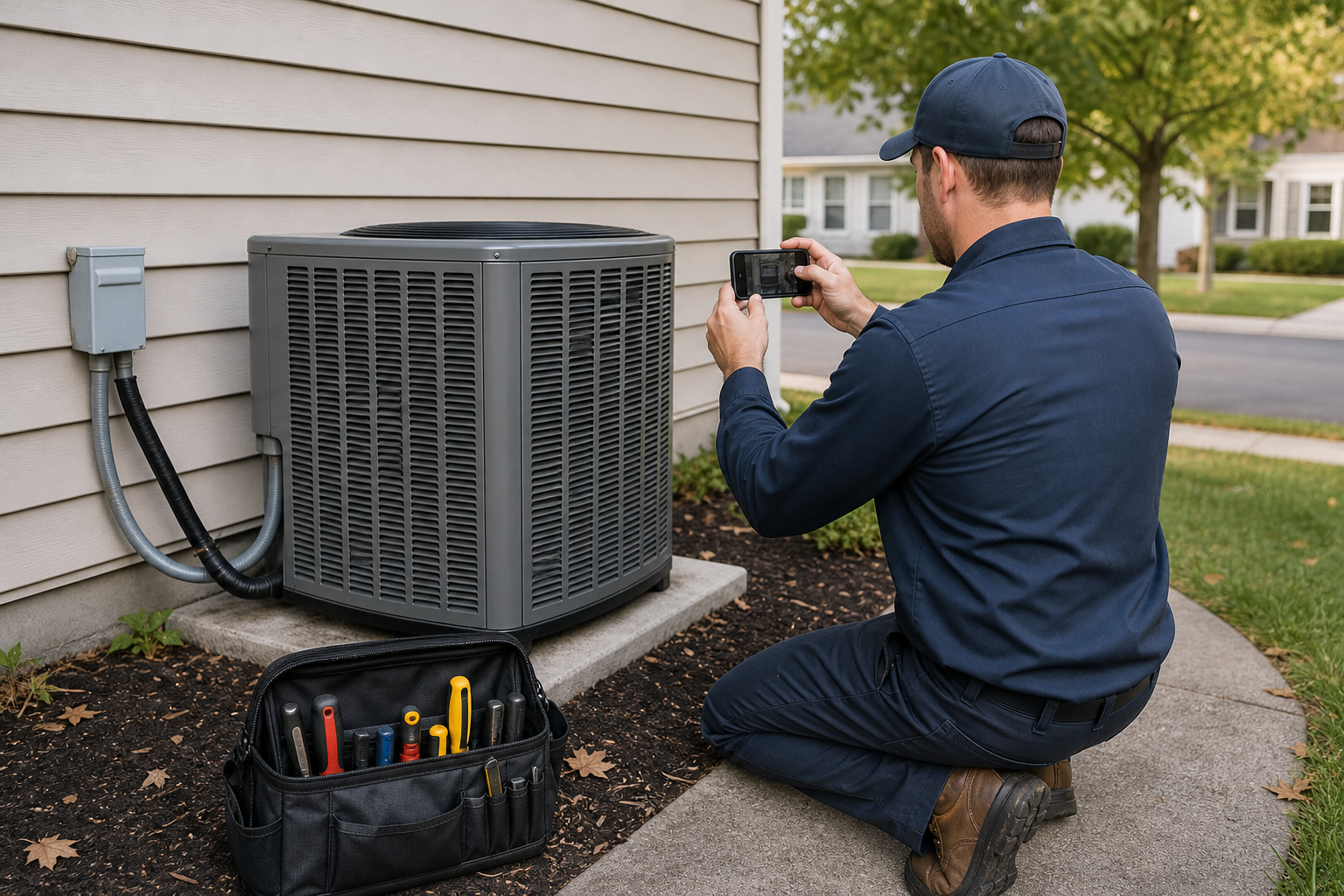
Google Business Profile Posts Ideas for Home Pros
Google Business Profile posts ideas are what most plumbers, electricians, roofers, and HVAC owners search for once they realize a blank posting tab is staring back at them every Monday morning. Google Business Profile, often shortened to GBP, is the free listing that shows your hours, reviews, and photos when someone searches your business name or "near me." Posts are the short updates you publish directly inside that listing, similar to a social feed, but most owners post one holiday greeting and then forget the feature exists. This guide covers fifteen specific post ideas for local service businesses, plus a method for turning competitors' own bad reviews into post topics almost nobody else is using.
What Are Google Business Profile Posts?
Google Business Profile posts are short updates with text, a photo, and a button that appear inside your free Google listing in search and Maps results. They let a home-service business share news, offers, or proof of finished work without requiring a click to a website first.
Standard update posts generally stay visible for about seven days, while offer and event posts can run for a longer, set window. Each post can include a call-to-action button such as Call Now, Book Online, or Learn More, which makes the feature closer to a tiny ad unit than a social media caption. According to Google's own guidance on Business Profile posts, consistent updates help keep a listing accurate and current for searchers.
Why Fresh Google Business Profile Content Matters Right Now
In almost every local market, plumbers, roofers, HVAC companies, and residential service providers sit between 4.8 and 5.0 stars. On the surface, nothing separates them, so owners compete on price, ad spend, and who shouts loudest. However, star ratings are averages, and a 4.9 rating with 1,500 reviews can still hide thirty to fifty unhappy customers who wrote down exactly why they left.
Consistent Google Business Profile posts give you a free, direct channel to address those hidden frustrations before a competitor does. In fact, industry research from BrightLocal's Local Consumer Review Survey has repeatedly found that most consumers read multiple reviews before contacting a local business, meaning the content around your star rating carries real weight. Therefore, a profile that posts regularly looks active and trustworthy, while a dormant one quietly signals neglect to the next customer comparing three nearly identical companies.
15 Google Business Profile Posts Ideas You Can Use This Month
The ideas below are grouped into five categories so you always know which type of post is due next, instead of staring at an empty draft.
Trust and Proof Posts
A before-and-after photo pair from a recent install or repair.
A quote pulled from a recent five-star review, with the customer's first name and the specific detail they praised.
A short post explaining your guarantee or warranty terms in plain language.
Finished-job photos are one of the easiest Google Business Profile posts ideas to repeat every week.
Offer and Promotion Posts
A seasonal tune-up or inspection discount tied to a specific month.
A limited-time financing or payment-plan announcement.
A referral bonus for existing customers who send a friend or neighbor.
Educational and How-To Posts
A short tip on spotting an early warning sign, such as a failing water heater or a weak HVAC fan.
A simple explanation of what a specific repair actually involves, to reduce price-shock objections.
A seasonal maintenance checklist homeowners can follow between service visits.
Behind-the-Scenes and Team Posts
A short introduction to a technician, including years of experience and a certification.
A photo of the truck or crew getting ready for the day.
A milestone post, such as completing a round number of jobs in the service area.
Weakness-Exploiting Posts Built From Competitor Reviews
A post emphasizing on-time arrival windows, aimed at markets where missed windows are a common complaint.
A post detailing upfront, written pricing, aimed at markets plagued by surprise fees.
A post describing your follow-up call policy, aimed at markets where callbacks never come.
This last category is the most overlooked, and it is covered in detail in the guide to positioning against competitors using Google reviews.
How to Turn Competitor Reviews Into Google Business Profile Post Ideas
A competitor sitting at 4.9 stars with 1,500 reviews still has dozens of unhappy customers who wrote down exactly what went wrong. Those reviews are public, specific, and reusable. The process below, which mirrors the method used in home-service competitive analysis built around reviews, turns that raw complaint data into a safe, specific post.
List your top competitors. Choose up to five direct local competitors in your category and service area so every comparison stays relevant to the customers you are actually trying to win.
Pull every low-star review verbatim. Read the full one- to three-star review history for each competitor, not just the first page, since older complaints often repeat the same unresolved pattern for years.
Cluster complaints into weakness themes. Group similar quotes into named themes such as surprise charges, missed arrival windows, or rushed installs so the pattern becomes undeniable instead of scattered anecdotes.
Score each theme for exploitability. Rank each weakness theme from one to ten based on how often it appears and how strongly it would influence a buying decision for your specific service.
Check your own reviews for the same complaint. Run your own review history through the identical analysis before publishing anything, since promoting a strength you do not actually have invites an easy rebuttal.
Turn the surviving theme into a post. Write a short Google Business Profile post that addresses the validated weakness in your own words, backed by a proof point like a guarantee, photo, or written policy.
Example complaint pattern worth building a post around: "Quoted one price. Billed another." "Waited all day. Nobody called." These are the exact words customers use, and they translate almost directly into a headline.

Reading full review histories, not just the highlights, is how the strongest Google Business Profile posts ideas get found.
Doing this manually for five competitors, every month, is a significant time commitment. That is the gap WeakSpot was built to close: it reads every competitor review, scores the weakness themes, checks your own reviews for the same problem, and hands you finished post copy instead of a dashboard.
Plan | Competitors Tracked | Monthly Price | Campaign Copy Included |
|---|---|---|---|
Weak Spot Intel | 2 | $149 | No |
Market Edge (most popular) | 5 | $299 | Yes, including GBP posts |
Common Mistakes to Avoid With Google Business Profile Posts
Even a good list of Google Business Profile posts ideas can underperform if the execution has gaps. Specifically, watch for these recurring issues.
Posting for two weeks and then abandoning the profile, which looks worse than never posting at all.
Writing generic, stock language with no specific detail, photo, or proof point.
Leaving off a call-to-action button, which removes the easiest path to a booked call.
Promoting a strength, such as fast response times, while your own reviews quietly complain about the opposite.
Stuffing keywords into captions instead of writing for the person reading the post.
For a broader library of tactics beyond posts, including paid and organic angles, the electrician marketing ideas guide and the list of free advertising sites for local businesses both pair well with a strong GBP posting habit.

A short weekly review of post performance keeps a Google Business Profile posting habit from fading out.
Frequently Asked Questions About Google Business Profile Posts Ideas
What are good Google Business Profile posts ideas that actually drive calls?
The strongest Google Business Profile posts ideas combine a specific proof point, like a finished job photo or a fixed complaint, with a clear call-to-action such as Call Now or Book Online. Generic greetings rarely generate clicks because they give the reader no reason to act.
How often should I post on Google Business Profile?
Most local service businesses see the best results posting one to three times per week. Consistency matters more than volume, since a steady cadence signals an active business to searchers.
Do Google Business Profile posts help SEO rankings?
Posts are not a confirmed direct ranking factor, but they keep your profile active and can improve engagement signals like clicks and calls. Google has indicated that an actively maintained profile supports overall local visibility.
What is the difference between GBP posts and social media posts?
Google Business Profile posts appear directly in search and Maps results next to your listing, while social posts live on a separate platform the customer has to seek out on their own. GBP posts reach people who are already actively searching for your service.
How long should a Google Business Profile post be?
Keep the full text under 1,500 characters, but aim for the first 100 characters to carry the complete message since that is what shows before a reader taps to expand it.
Can I schedule Google Business Profile posts in advance?
Google does not offer native scheduling inside the free dashboard, but several local marketing tools and agencies can queue posts ahead of time. Planning a month of posts at once still saves significant time.
What is the biggest mistake businesses make with GBP posts?
The most common mistake is posting a burst of content for two weeks and then abandoning the profile entirely. An inactive feed looks worse to a searcher than no posts at all.
How much does it cost to post on Google Business Profile?
Posting itself is free. The real cost is staff time spent writing, photographing, and publishing consistent content every week.
How long do Google Business Profile posts stay visible?
Standard update posts typically stay visible for about seven days, while event and offer posts can run for the full duration you set, sometimes weeks. After that window, older posts drop out of the main view.
Should I use photos in every Google Business Profile post?
Yes. Posts with a clear, relevant photo consistently outperform text-only posts because the image gives searchers an immediate reason to trust the work shown.
How do I find new Google Business Profile posts ideas every month?
Pull from four recurring sources: finished jobs, seasonal demand, customer questions, and competitor review complaints. Rotating through these categories removes the guesswork of staring at a blank posting screen.
What is the best Google Business Profile post idea for a slow season?
Promote a maintenance check, a seasonal inspection offer, or a flexible financing option tied to the slow months. These posts give price-sensitive customers a reason to book before they need emergency service.
Can Google Business Profile posts mention competitors?
You can reference a common frustration in the market without naming a specific competitor, which keeps the post professional and avoids platform policy issues. Describing the problem, such as surprise fees, is enough for readers to recognize the comparison themselves.
How do customer reviews turn into Google Business Profile posts ideas?
Reading competitors' one- to three-star reviews surfaces recurring, specific complaints, such as missed arrival windows or hidden fees, that you can address directly in a post. Checking your own reviews first confirms you are not vulnerable to the same complaint before you run that message.
Is posting on Google Business Profile worth the time for small service businesses?
Yes, because the posts appear free, inside the exact listing customers already view before calling. For a small crew with limited marketing hours, it is one of the highest-return local marketing activities available.
Final Thoughts on Google Business Profile Posts Ideas
Good Google Business Profile posts ideas do not need to come from guesswork or a generic content calendar. Trust posts, offer posts, educational posts, and team posts can carry you through most of the year, but the posts built on validated competitor weaknesses tend to convert best because they speak directly to the frustration the next customer is already trying to avoid. For a deeper look at building a full campaign around that frustration, see the guide to turning rival reviews into leads. Finally, if you want to see what your own reviews reveal before you publish a single post, WeakSpot offers a free self-analysis that emails results within two business days, no call required.